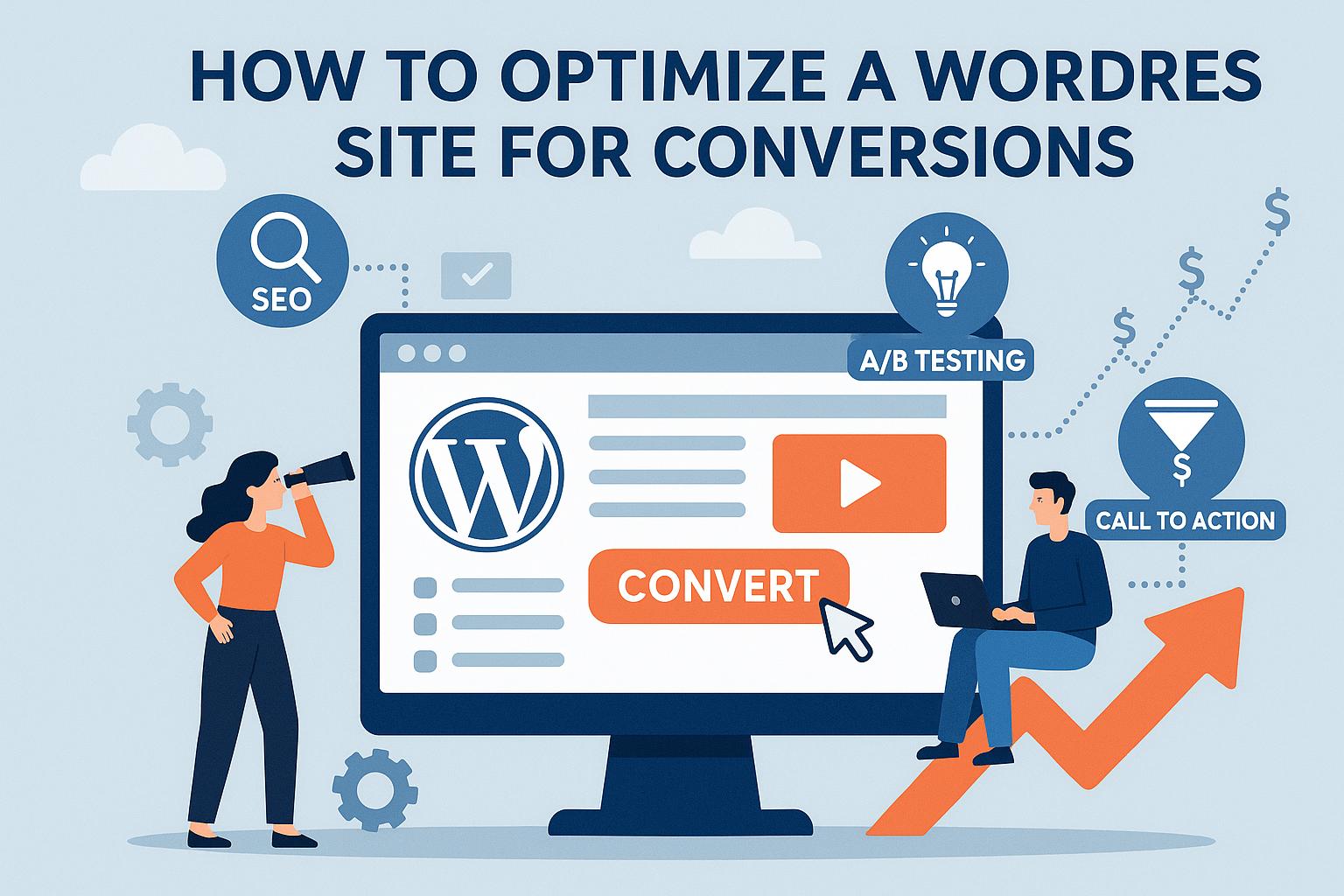
Understanding Conversion Optimization
Conversion optimization in WordPress involves making strategic changes to your site to encourage visitors to complete specific actions, such as signing up for a newsletter, purchasing a product, or filling out a contact form. By analyzing user behavior and implementing targeted improvements, you can effectively increase your conversion rates.
In today’s digital landscape, understanding and applying conversion optimization techniques to your WordPress site is essential to achieving business goals online. It involves a multifaceted approach to refine and enhance your website’s performance so that visitors who land on your pages are more likely to complete desired actions, whether that’s making a purchase, signing up for a newsletter, or filling out a contact form. By analyzing how users interact with your site, testing out new features, and making data-driven adjustments, you can significantly boost your conversion success rate.
Enhance Site Speed and Performance
One of the critical factors contributing to improved conversion rates is the speed of your WordPress site. Site speed significantly impacts the user experience, and slow-loading pages can lead to higher bounce rates, where visitors leave the site prematurely. Every second matters, and delays can turn away potential customers. To enhance site speed:
Content Delivery Network (CDN):
Leverage a content delivery network (CDN), which helps in distributing your website’s content across multiple servers around the world. This approach ensures that users download data from a server close to them, reducing latency and improving load times significantly.
Image Optimization:
Images are an integral part of any website, but they can slow down loading times if not optimized properly. Make sure to compress images without losing quality, using tools and plugins designed for WordPress image optimization. This small tweak can lead to substantial improvements in performance.
Browser Caching:
Enable browser caching so that returning users can load your site faster by storing some of the site’s data on their local device during their initial visit. This reduces the amount of data that has to be downloaded each time the user revisits your site.
Utilize Clear and Compelling Calls-to-Action (CTAs)
Crafting clear and compelling calls-to-action (CTAs) is crucial in guiding users toward conversion. These CTAs should be strategically placed and designed to grab attention:
Visibility and Clarity:
Your CTAs must be prominently displayed, making it immediately clear what action the visitor should take next. Use bold, contrasting colors that differentiate the CTA buttons from the rest of the page, making them unmissable.
Design and Experimentation:
Experiment with various designs and wordings for your CTAs to discover which resonate most with your audience. A/B testing different phrases and positions on your pages can reveal effective combinations that increase interaction rates.
Leverage Responsive Design
In the current era, a significant portion of web traffic originates from mobile devices. Therefore, having a responsive design for your WordPress site is not a luxury but a necessity. Here’s why:
Device Compatibility:
A responsive design ensures that your site’s elements adjust seamlessly across all devices and screen sizes. This not only enhances the user experience on smartphones and tablets but also prevents elements from being misaligned or displaying improperly.
Search Engine Rankings:
Beyond user experience, mobile-friendliness is a key factor in search engine rankings. Google, for example, prioritizes websites that cater to mobile users efficiently, potentially driving more organic traffic to responsive sites.
Streamline the User Experience
Overwhelming your visitors with information and links can backfire, resulting in a poor user experience. It is crucial to streamline the interface:
Logical Structure:
Your content should be organized logically with clear hierarchies. Use headers, subheaders, and bullet points where necessary to guide visitors through your offerings without overwhelming them.
Whitespace and Simplicity:
Whitespace refers to the empty spaces around elements on a page. It helps declutter the interface, making it easier for users to focus on key content. Avoid unnecessary elements that do not contribute to your primary objectives.
Enhance Navigation
Navigation plays a crucial role in user experience, allowing visitors to find desired information or products with ease. Here are some tips:
Descriptive Labels:
Use clear and concise labels for your menu items, ensuring users understand what each link leads to without ambiguity.
Streamlined Menus:
Avoid overloading your navigation bar with too many links and options. A streamlined menu helps users focus on finding what they came for without feeling overwhelmed.
Search Functionality:
Implementing a search bar allows users to directly input queries and quickly access the information they need, increasing the chances of timely conversions.
Optimize Landing Pages
Your landing pages serve as dedicated entry points for specific user actions. Optimizing them involves:
Focused Content:
Create landing pages with a single conversion goal. Ensure the page is devoid of distractions and directly leads users to the intended action step.
Trust Signals:
Incorporate elements like testimonials, reviews, and security badges to build credibility and trust with your visitors, which can be pivotal in their decision-making process.
A/B Testing:
Implement A/B testing procedures to compare different versions of your landing pages. This helps identify which elements—such as headlines, images, and CTAs—are most effective in driving conversions.
Prioritize Content Quality
Quality content remains king in driving conversions and maintaining user engagement. Here’s how to ensure your content works for you:
Audience Alignment:
Your content should target your audience’s interests and pain points directly. Conduct keyword research to uncover what your potential customers are seeking online and create content to address those needs.
Regular Updates:
Keep your content fresh and updated regularly. This not only keeps your audience engaged but also plays a significant role in improving search engine performance by showing relevancy.
Implement Exit-Intent Popups
Exit-intent popups provide a final opportunity to engage visitors before they leave your site. They can be valuable if used correctly:
Strategic Offers:
These popups can showcase discounts, request email subscriptions, or highlight content that may be of interest to the user, persuading them to reconsider exiting prematurely.
Judicious Use:
While effective, overusing exit-intent popups can disrupt the user experience. Aim for balance to avoid irritating visitors and driving them away.
Monitor and Analyze Performance
Consistent tracking and analysis of your site’s performance are imperative. Keep an eye on metrics such as conversion rates, bounce rates, and average session durations:
Data-Driven Adjustments:
Utilize analytics tools, such as Google Analytics, to gather comprehensive data and derive actionable insights to refine your strategies further.
Continuous Improvement:
This data-driven approach does not only inform you about current performance levels but also highlights areas of potential growth, allowing you to refine and enhance your methods continually for maximal effectiveness.
For more in-depth analysis and recommended tools, consider exploring resources on Think with Google or reaching out to reputable digital marketing experts.