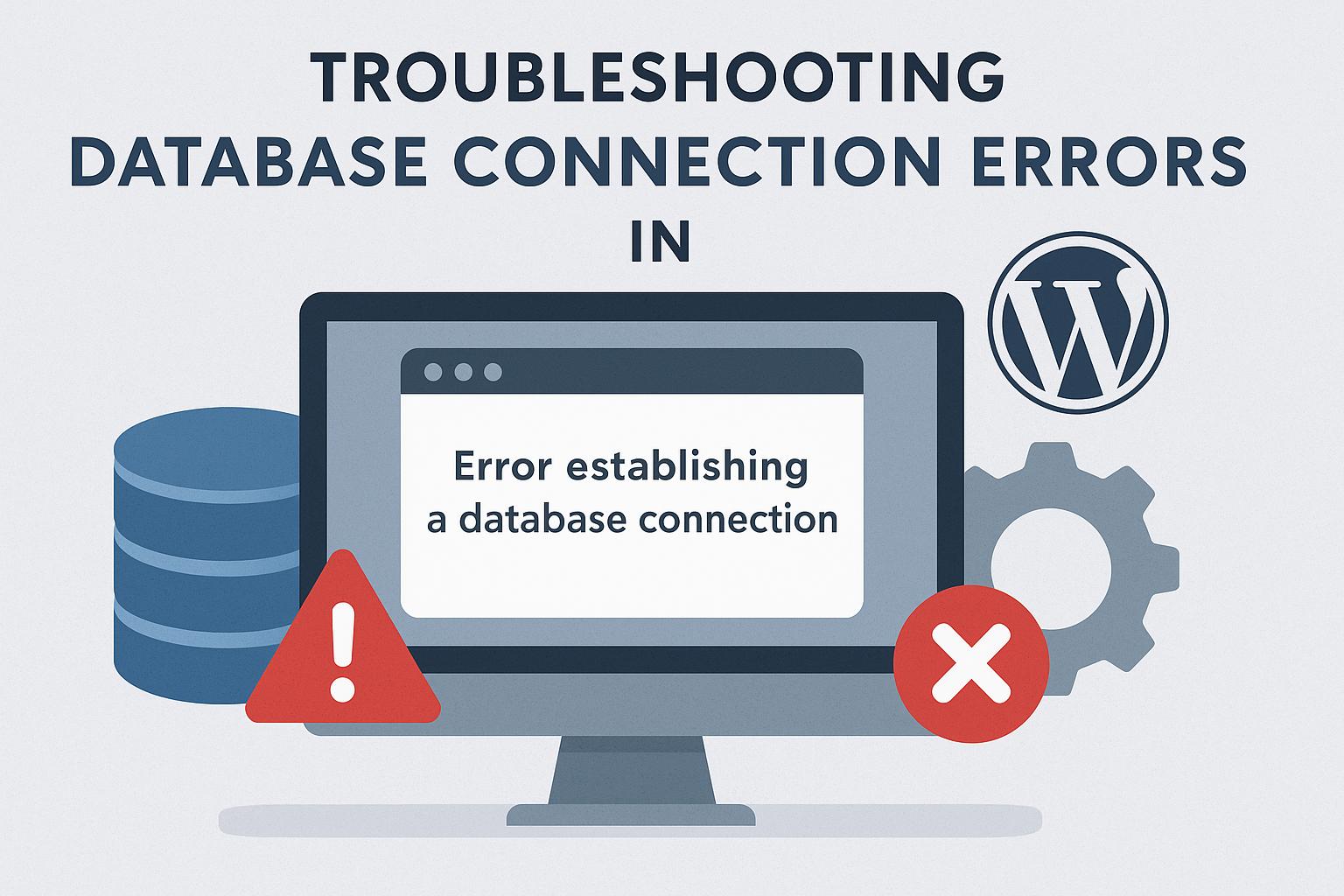
Understanding Database Connection Errors in WordPress
When operating a WordPress website, database connection errors are issues you might encounter occasionally. These errors arise when WordPress fails to connect to its database, which stores all the crucial data necessary for your site’s operation. This disconnection can lead to your website becoming inaccessible, presenting challenges for both you as the site owner and your visitors seeking to access your content.
Common Causes of Database Connection Errors
Database connection errors can stem from a variety of sources. Understanding these potential causes can aid in swift diagnosis and rectification.
Incorrect Database Credentials: Perhaps the most prevalent issue leading to database connection errors is incorrect database credentials found in the wp-config.php file. This file contains critical details such as the database name, username, password, and hostname. If any of these credentials are incorrect or have been altered without corresponding changes in the file, WordPress will fail to establish a connection.
Database Server Down: Another common problem could be that your host’s database server is experiencing downtime. Whether due to maintenance or unexpected outages, if the server is down, your website will not be able to connect to the necessary data.
Corrupted WordPress Files: Corruption of WordPress files can occur due to failed updates or malicious activity such as hacks. When core files are damaged, it can inhibit the connection between WordPress and the database.
Exhausted Database Resources: If you’re utilizing a shared hosting plan, resource exhaustion can also cause errors. In such environments, each account is allocated a finite set of resources. High traffic or resource-intensive processes can lead to these resources being fully utilized, preventing new database connections.
Troubleshooting Database Connection Issues
While encountering such issues is undesirable, they are not insurmountable. The following troubleshooting steps can significantly aid in identifying and resolving database connection errors in WordPress.
1. Check Database Credentials
A primary step in troubleshooting is verifying the database credentials within the wp-config.php file. Carefully review the following details to ensure accuracy: database name, username, password, and hostname. These must align with the information provided by your hosting provider. Adjust any discrepancies noted and save your changes.
php
define('DB_NAME', 'database_name_here');
define('DB_USER', 'username_here');
define('DB_PASSWORD', 'password_here');
define('DB_HOST', 'localhost');
2. Verify Database Server Status
If checking and correcting credentials doesn’t resolve the issue, the next step is to ensure your database server is functioning correctly. Contact your hosting support team to check for any ongoing server issues that could affect database connectivity.
3. Repair the Database
WordPress offers an in-built utility for repairing databases, which can be particularly useful if corruption is suspected. Enable this by adding the following line to your wp-config.php:
php
define('WP_ALLOW_REPAIR', true);
Visit the repair page to both repair and optimize the database. For security reasons, it’s important to remove the repair line from the wp-config.php as soon as the task is completed.
4. Check Errors in Plugins and Themes
Plugins and themes can also be potential culprits. To check for this, deactivate all plugins via the WordPress admin dashboard. Alternatively, you can rename the plugins folder within wp-content using a file manager or an FTP client. Similarly, switch to a default WordPress theme (such as Twenty Twenty-One) to rule out theme-related issues. If disabling these resolves the error, reactivate each plugin one at a time to pinpoint which is causing the issue.
5. Increase Database Limits
In shared hosting scenarios, it’s possible to encounter limitations related to database queries. Increasing these limits might require collaboration with your hosting provider. Consider asking them to enhance these limits or explore upgrading to a higher-tier plan that offers greater resources.
Conclusion
Database connection errors in WordPress are common challenges that often arise from incorrect credentials, server downtimes, corrupted core files, or exhausted resources. By addressing these key areas, the majority of users can effectively resolve these issues. In cases where these troubleshooting steps do not suffice, consulting with your hosting provider is advisable. Additionally, for broader support and insights on WordPress management, platforms like the WordPress Support Forum can provide invaluable guidance. By maintaining an understanding of these common issues and resolutions, you can ensure a more seamless and reliable website experience for both yourself and your audience.