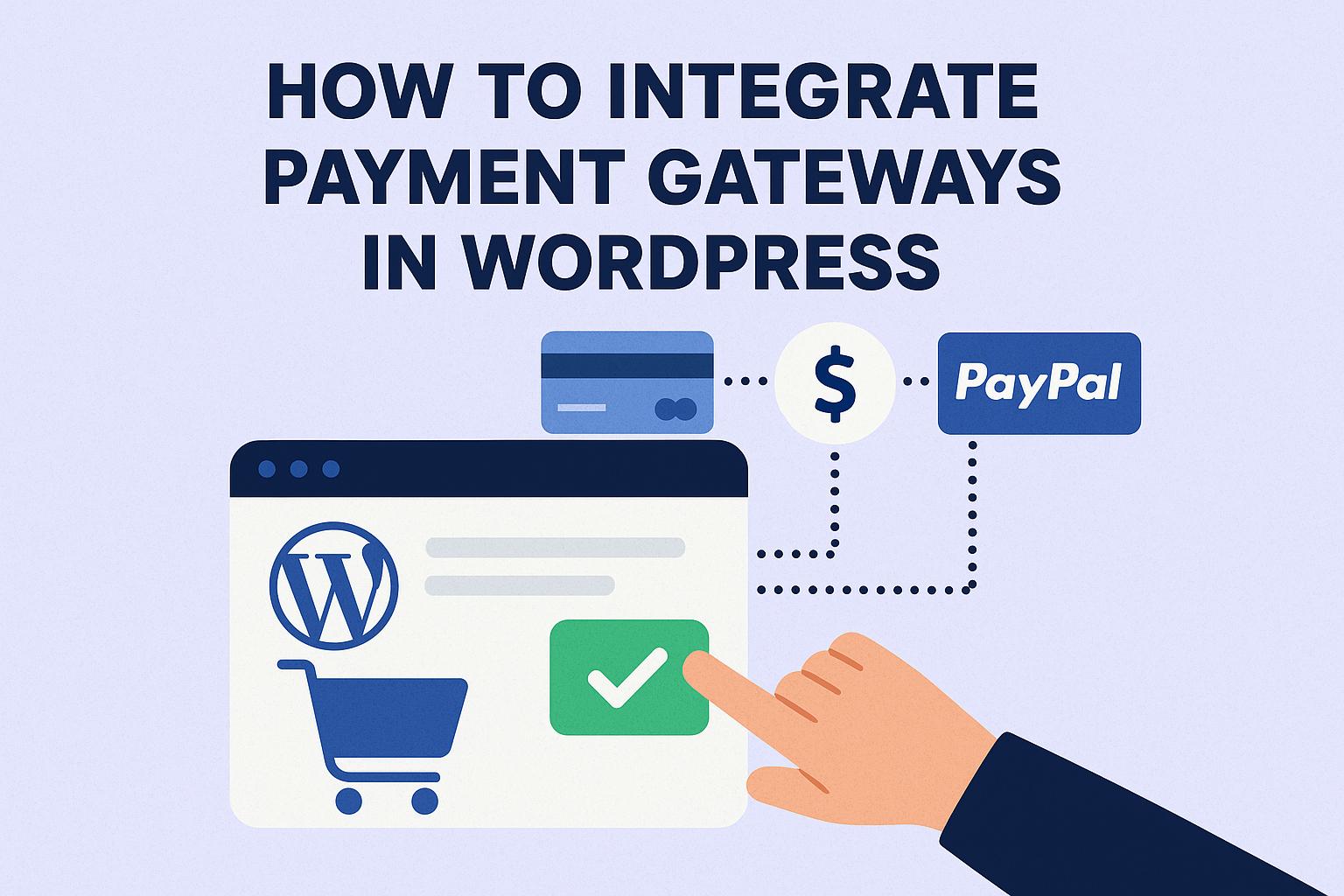
Introduction to Payment Gateways in WordPress
Integrating payment gateways into WordPress websites has become an essential task for anyone who intends to launch an e-commerce store or intends to offer online services that require financial transactions. Payment gateways play a crucial role in managing the transfer of funds from customers to merchants, facilitating smooth and secure transactions. In this expanded discussion, we will delve deeper into the methods and considerations for integrating payment gateways effectively into a WordPress site.
Understanding Payment Gateways
Payment gateways serve as intermediaries that bridge the communication between your website and the complex network of financial institutions, ensuring the secure processing of transactions. They are responsible for encrypting sensitive information such as credit card details, making sure that this data is securely transmitted from the customer to the merchant and, ultimately, from the merchant to the payment processors. This encryption process is vital for maintaining customer trust and protecting against fraudulent activities.
Furthermore, payment gateways verify the availability of funds, process payments, and then report back to both the website and the bank to finalize the transaction. The encrypted transaction data ensures that unauthorized parties cannot intercept or misuse sensitive information during the transmission process.
Choosing the Right Payment Gateway
Selecting the most suitable payment gateway for your WordPress site involves evaluating several critical factors that can influence your business operations. Key considerations include:
– Transaction Fees: Different gateways have varying fee structures, which can impact your overall costs. It is essential to understand these fees and integrate them into your pricing strategy.
– Global Reach: If your business targets an international audience, consider gateways that support multiple currencies and have an extensive global presence.
– Security Measures: Opt for gateways with robust security features, including fraud detection and prevention mechanisms.
– Compatibility: The gateway should be compatible with your WordPress setup and other plugins that you use. Compatibility ensures seamless integration and operation.
Popular payment gateways that WordPress users typically consider include PayPal, Stripe, Square, and Authorize.Net. Each of these has unique features and benefits, and it would be prudent to analyze them based on the needs of your business.
Integration with WordPress
Integrating payment gateways with WordPress can be performed through several methods, primarily through plugins. Plugins are advantageous because they significantly ease the integration process, allowing individuals without extensive coding expertise to effectively implement gateways on their sites.
Using Plugins
To seamlessly integrate a payment gateway into your WordPress site using plugins, you can follow these systematic steps:
1. **Install a Plugin**: Access the WordPress dashboard and select Plugins > Add New. Here, you can search for a relevant payment gateway plugin. The WooCommerce plugin, for instance, is a popular choice for those seeking a comprehensive range of e-commerce functionalities. Alternatively, you may opt for a dedicated payment gateway plugin that is better suited to your specific requirements.
2. **Activate the Plugin**: After choosing and installing a plugin, the next step is to Activate it. Activating the plugin enables its features and prepares it for configuration.
3. **Configure the Plugin**: Once activated, navigate to the plugin’s settings page to begin configuration. You’ll need to enter your payment gateway credentials, which often include API keys or a merchant ID and secret keys. This configuration process is critical as it sets the parameters for how the gateway will function on your site and ensures secure linking between your WordPress platform and the payment provider.
API Integration
For more advanced users with technical know-how, direct API integration presents an alternative approach. This option offers greater flexibility and customization capabilities over the payment processes but requires a deeper understanding of coding and the gateway’s API documentation. By accessing and utilizing the API documentation provided by the payment provider, you can tailor the gateway functionalities to better fit the unique needs of your website.
Testing the Payment Gateway
Testing the payment gateway is a fundamental step to ascertain its proper functionality on your site. Most payment gateways offer testing environments or sandbox accounts. These environments simulate real transaction scenarios without the actual transfer of funds. During testing, perform both successful and failed transaction simulations to thoroughly evaluate the setup’s robustness. Successfully diagnosing and correcting potential issues in this phase ensures that your live transactions will proceed without hitches.
Ensuring Security and Compliance
The security of your financial transactions is a paramount concern and entails adhering to best practices and compliance standards. The Payment Card Industry Data Security Standard (PCI DSS) is a critical standard designed to safeguard payment information. Following these standards helps protect customer data and maintains trust in your online platform. Additionally, consider regular updates for WordPress and plugins to combat vulnerabilities, implementing SSL certificates to secure data in transit, and selecting gateways known for strong security improvements.
Conclusion
Integrating a payment gateway into WordPress can dramatically improve the functionality of your website by facilitating seamless transactions with your customers. By making informed decisions regarding the selection of a payment gateway, leveraging plugins for ease of integration, and prioritizing stringent security measures, you can cultivate a reliable and efficient payment interface for your users. It is beneficial to continuously consult the specific documentation provided by your payment gateway and stay abreast with the most recent WordPress developments to sustain a secure and efficient online transaction environment.