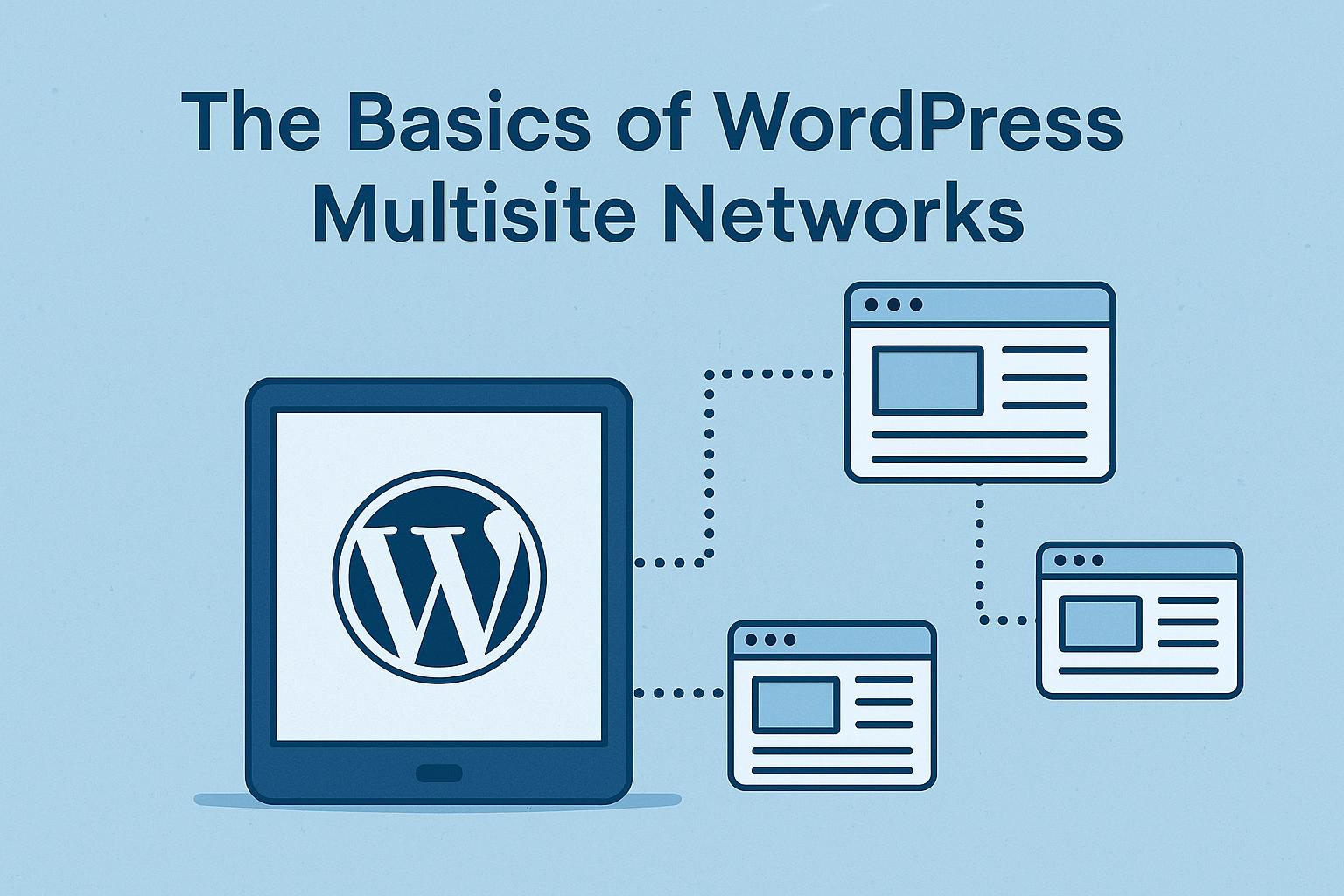
Understanding WordPress Multisite
WordPress Multisite is an advanced feature within the WordPress platform, allowing you to manage multiple websites through a single WordPress installation. This feature serves as an efficient solution for enterprises, educational institutions, and anyone aiming to run a network of sites under one installation. Instead of installing and managing separate WordPress installations for each site, a multisite network enables you to control several websites from a single, centralized dashboard.
Enabling Multisite
The process to enable Multisite in WordPress begins with a standard WordPress installation. Once you have a functioning installation, you will need to make adjustments to the WordPress configuration files. This process involves editing the wp-config.php file, where you add a specific line of code that triggers the Multisite functionality. After this modification, WordPress will introduce an option in the admin area for installing and configuring the Multisite network. During this setup stage, you will decide whether your network will function through subdomains, such as site1.yourdomain.com, or through subdirectories, like yourdomain.com/site1. Each option has its considerations, especially regarding domain management and server capabilities.
Configuration Steps
Following the activation of Multisite, several configuration steps are required to finalize the setup:
1. Settings Adjustments: The Network Setup screen provides settings specific to your multisite network, including details like the network title and the administration email address. These settings define the identity and contact points for your network, ensuring coherent management across all sites.
2. File Modifications: In addition to the wp-config.php file, you must make essential modifications to the .htaccess file. WordPress guides you by providing the specific lines of code necessary to ensure proper network functionality. These changes are crucial for URL rewriting and ensuring that files and directories are processed correctly under the Multisite architecture.
3. Network Sites Management: Post configuration, a new My Sites menu will appear within the WordPress admin dashboard. This feature allows direct access to administer all sites within the network. From this menu, you can swiftly switch between sites, manage site and network settings, as well as perform bulk actions across sites, simplifying administrative tasks significantly.
Benefits of Using WordPress Multisite
The implementation of a Multisite network within WordPress grants various benefits that significantly enhance site management efficiency. By consolidating website administration into one location, multitasking and complex operations become easier and more manageable. One of the standout features is the ability to control users, themes, and plugins from a centralized interface, reducing the time and effort needed to manage each element individually. Moreover, updates become a breeze, as plugins and themes need updating only once to apply across all network sites, fostering not only time savings but also consistent user experience and security updates.
Potential Drawbacks
However, while Multisite showcases robust features and efficiencies, it does not suit every use case and comes with potential drawbacks that require careful consideration. All sites within the multisite network are tied to a single database instance; thus, any problem arising in the database can potentially impact all sites, increasing the risk scale. Not all WordPress themes and plugins are optimized to work with Multisite networks, which could restrict certain functionalities or in some cases, cause conflicts within the site environment.
Deploying a Multisite setup often demands more complicated server configurations and increased user permissions, which might necessitate advanced technical understanding or hosting environments. The added complexity could potentially lead to increased costs or require additional resources for effective management.
Conclusion
In conclusion, WordPress Multisite is an integral tool for individuals or organizations managing multiple WordPress sites. When deployed and used correctly, it offers substantial rewards in terms of streamlined site management and enhanced operational efficiency. Nonetheless, potential users must weigh the advantages against any limitations or requirements dictated by their specific needs and capabilities. For comprehensive guidance and further exploration of WordPress Multisite, users are encouraged to refer to the WordPress Documentation, a detailed resource offering in-depth insights and instructions aligned with varying user requirements and expertise levels. This enables informed decision-making and optimizes the utilization of Multisite for enhanced digital operations.