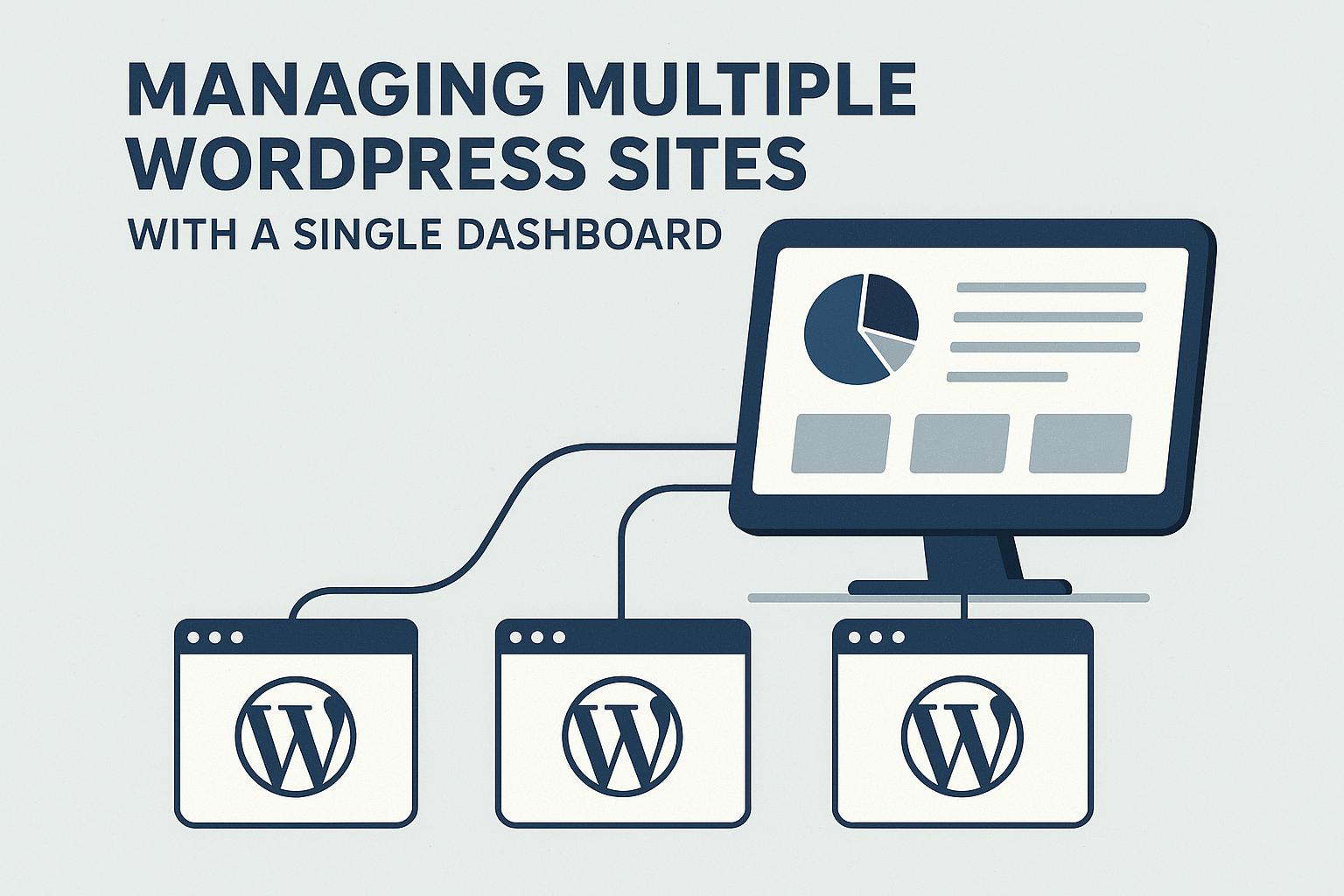
Introduction to Managing Multiple WordPress Sites
Managing multiple WordPress sites can be a complex and challenging task, particularly as the number of sites you oversee begins to multiply. Each of these sites demands individual attention for activities such as updates, backups, security checks, and content management, among others. Fortunately, in today’s digital landscape, there are numerous tools and plugins available that enable users to manage multiple WordPress sites efficiently from a single dashboard. Utilizing these tools can significantly streamline workflows and ensure a consistent approach across all sites, reducing the workload and improving overall management efficiency.
Benefits of a Centralized Management System
Implementing a centralized management system for handling multiple WordPress sites presents several key advantages. Firstly, it can greatly reduce the time spent on maintenance tasks. With such a system, administrators can update all sites simultaneously, eliminating the need to log into each site separately to perform updates. This not only saves time but also helps maintain a consistent update schedule across all sites. Furthermore, a centralized system enhances security by offering a unified platform for monitoring potential vulnerabilities and applying necessary patches promptly across all sites.
Such a system also simplifies other essential tasks like backup creation and the monitoring of site analytics. By offering a more comprehensive view of the performance and status of all sites, administrators can make informed decisions and quickly address any issues that might arise. This holistic overview ensures that all sites operate optimally and remain secure against potential threats.
Key Features to Look For
When selecting a tool or system for managing multiple WordPress sites, it is important to consider several key features to maximize efficiency and security.
Update Management: An efficient management tool should facilitate seamless updates of plugins, themes, and core WordPress software across multiple sites. This capability is essential for maintaining security and ensuring that the sites run smoothly with the latest features and improvements.
Security Monitoring: Opt for systems that offer comprehensive security scanning and malware detection. Quick response tools are also valuable for immediately addressing vulnerabilities before they can be exploited, safeguarding your sites against potential breaches.
Backup Solutions: Automated backup solutions are crucial for data protection and disaster recovery. Regular backups ensure that you can swiftly restore a site to its previous state in the event of data loss or corruption.
Performance Monitoring: Tools offering site uptime monitoring, speed monitoring, and detailed analytics are beneficial for maintaining optimal performance. These insights can help identify performance bottlenecks and guide improvements to enhance user experience and site reliability.
Popular Tools for Managing Multiple WordPress Sites
There are several well-regarded platforms available that provide robust solutions for managing multiple WordPress sites, each with its own set of features and advantages:
ManageWP: A popular choice among professionals, ManageWP provides an extensive array of features including backups, security checks, performance monitoring, and client reporting, all accessible from a single user-friendly dashboard. Its comprehensive toolset supports efficient management of sites, regardless of their number.
Jetpack by WordPress.com: Known for its comprehensive suite of features, Jetpack is favored for its integrated security, performance, and site management options. Its versatility makes it a preferred tool among site administrators looking for a holistic management solution.
InfiniteWP: Particularly beneficial for freelancers and agencies, InfiniteWP enables the seamless installation and management of multiple WordPress sites. It streamlines the process and offers multiple features tailored to meet the needs of professionals managing several client sites.
WordPress VIP: Tailored for enterprise-level sites, WordPress VIP provides enhanced security, superior support, and advanced management tools necessary for large-scale operations. This tool ensures that high-traffic sites maintain their performance and security integrity.
Conclusion
Managing multiple WordPress sites need not be an overwhelming endeavor. By leveraging the right tools and features, site administrators can effectively manage updates, fortify security measures, and optimize performance across all their sites from one streamlined interface. By evaluating the key features and functionalities each tool offers, administrators can select the most appropriate solution tailored to their specific needs. This careful selection process ensures streamlined site management and substantially boosts productivity, allowing site administrators to focus on content creation and business growth. Ultimately, the right tools provide the backbone for efficient management, continual improvement, and sustainable site success.